SanDisk Extreme Portable SSD — Best Overall
Samsung T7 — Best Budget
SanDisk Extreme Portable SSD — Best Premium
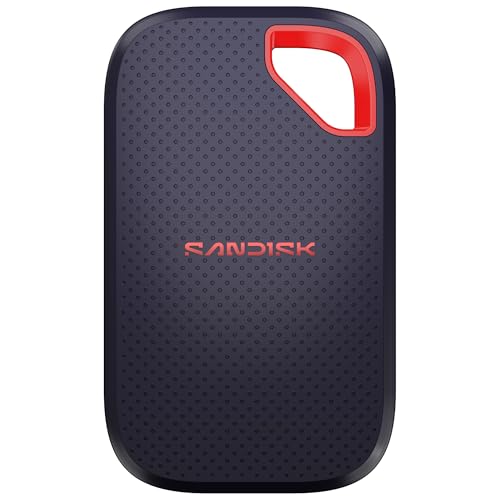
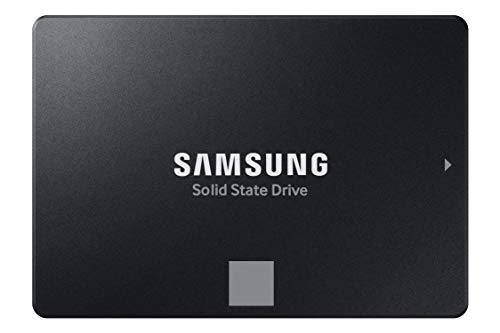
A portable SSD is a closed metal or rubber shell, a cable, and a drive you can put in a bag. It is not an M.2 stick you screw into a motherboard. Black Friday mixes the two because both say SSD. The three drives on this page are all 1 TB portable drives, and they still are not the same drive. The Samsung T7 in blue is the aluminum unibody rated up to 1,050 MB/s without an IP65 rating. The SanDisk Extreme SDSSDE61-1T00-G25 is the 1 TB portable with IP65 water and dust resistance, a carabiner loop, and up to 1,050 MB/s reads. The newer SanDisk Extreme SDSSDE70-1T00-G25 keeps 1 TB and IP65 and raises the listed transfer rating to up to 2,000 MB/s. Speeds here are the listings’ published figures, not a bench this page ran.
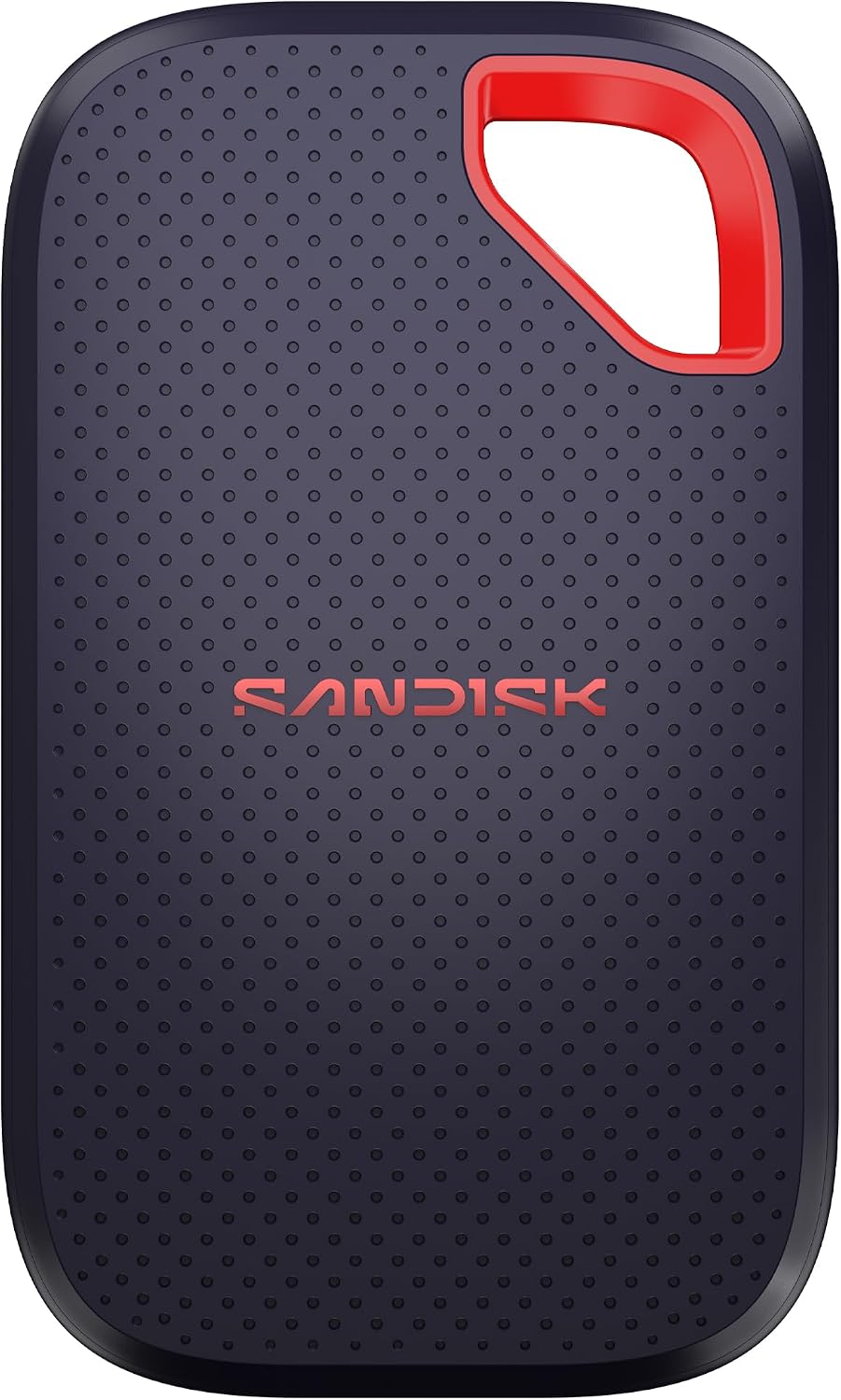
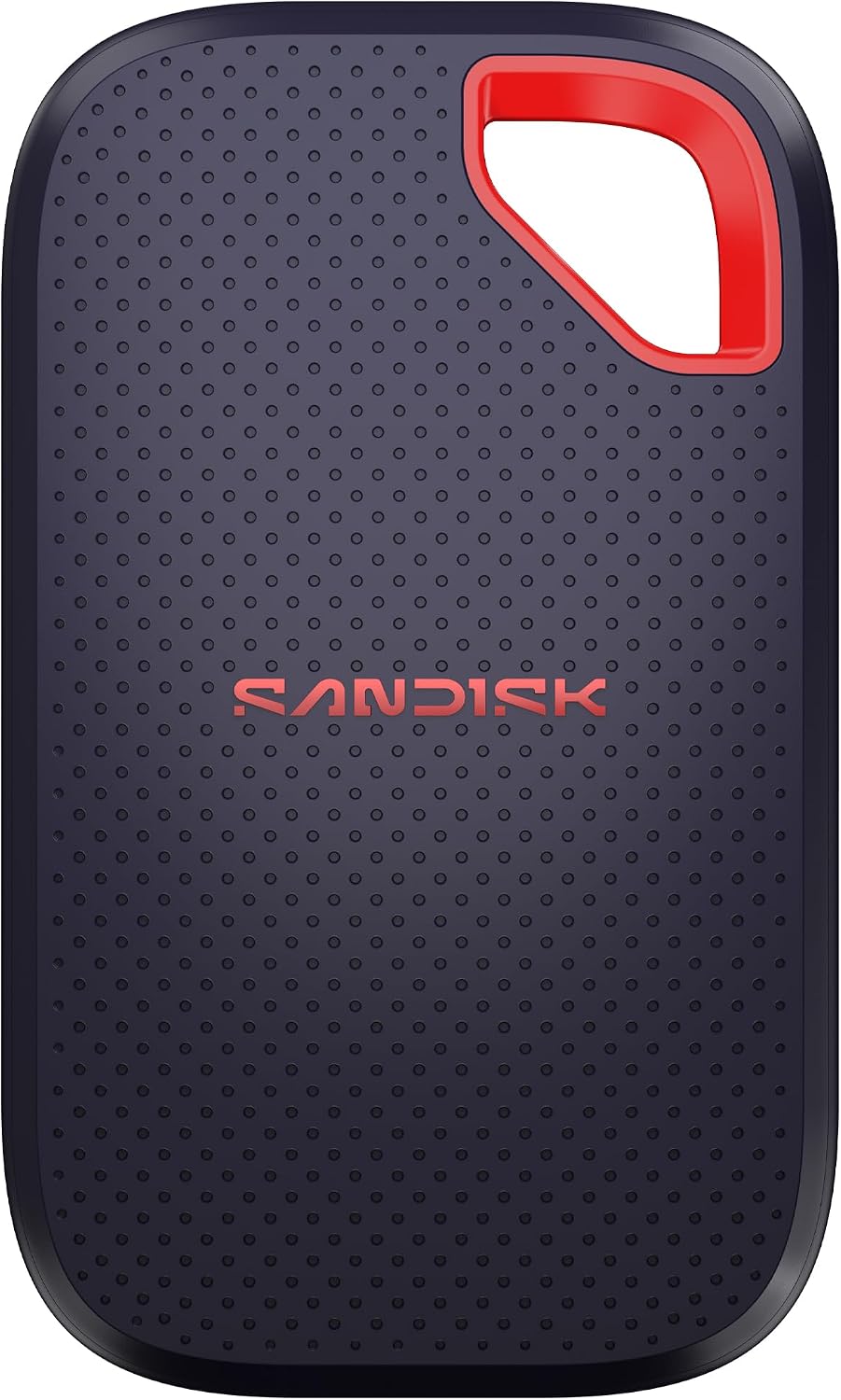
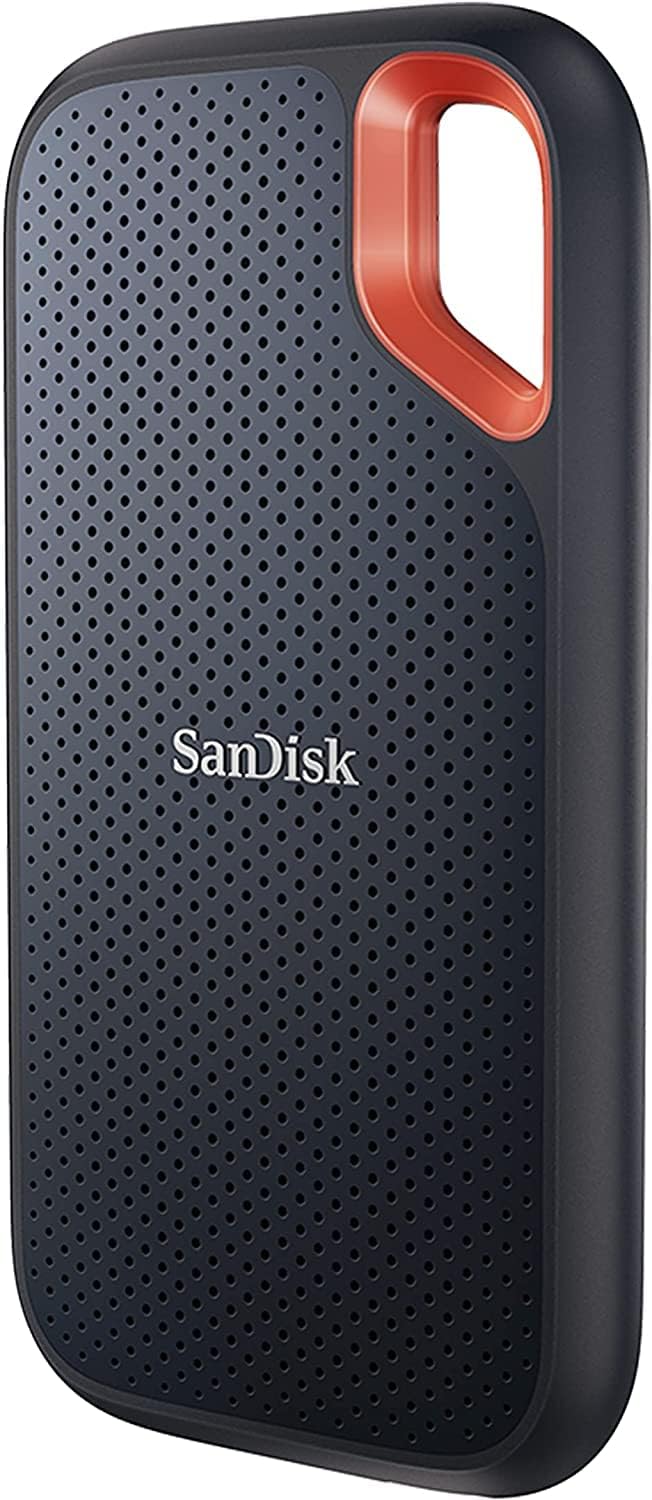
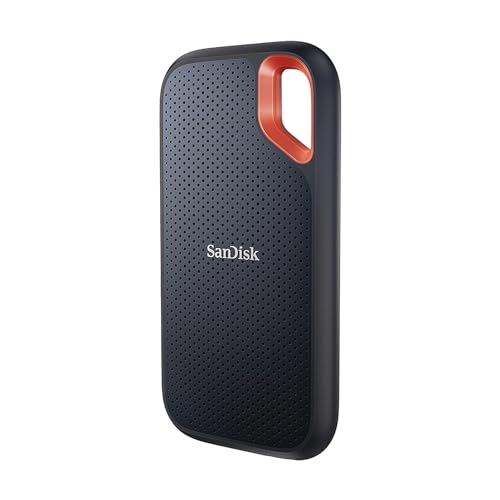
The 1 TB SanDisk Extreme, part SDSSDE61-1T00-G25, is the Best Overall portable because it is the rugged everyday drive: USB-C, USB 3.2 Gen 2, a listed read up to 1,050 MB/s and write up to 1,000 MB/s, IP65 water and dust resistance, and drop protection listed up to 3 meters. The carabiner loop is part of that shell. You can clip it to a bag. You should not treat IP65 as a swimming rating. IP65 is a specific spray and dust test, not a lake. Do not rinse it under a tap for fun, and do not store it wet inside a backpack against a laptop.
One terabyte is a working travel size: a project, a photo dump, a game library you do not want only on the internal drive. It is not an archive of a decade of video. If you fill it, the answer is a second drive or a larger capacity of a clearly named part, not a hope that 1 TB means “enough.” The color on this listing is black. Match the black shell in the photo to this part number. SanDisk has sold several Extreme generations that look alike and rate differently. SDSSDE61 is this one. SDSSDE70 is the newer, higher-rated one below. Do not let a seller swap the endings.
The cable is the product’s other half. USB-C to USB-C is what a modern laptop expects. A USB-A adapter is useful and easy to lose. Confirm which cable is in the box before you assume you can plug into an old desktop’s USB-A port on day one. Gen 2 speeds need a Gen 2 port. A USB 2.0 port will mount the drive and then crawl. That is the port, not a failed Extreme.
Encryption, if you turn it on in SanDisk’s software, is a password you must remember. A locked drive without the password is a brick you bought on purpose. Set that only if you will store the password somewhere that is not only on the drive.
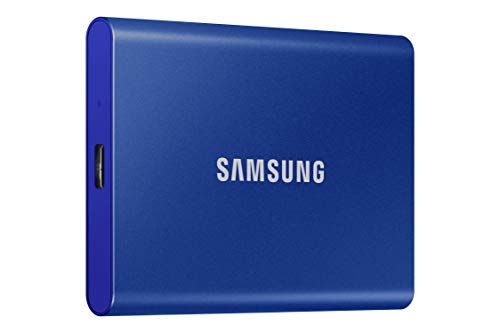
The Samsung T7 1 TB in blue, part MU-PC1T0H/AM, is the Best Budget portable because it is the simpler shell: solid aluminum, USB 3.2 Gen 2, listed read and write up to 1,050 and 1,000 MB/s, and a drop note up to 6 feet. It does not carry the IP65 line or the carabiner shell of the Extreme pair. That missing rugged rating is the feature gap. It is not a statement that this color is the cheapest listing in the aisle today.
Blue is the color of this ASIN. Samsung has sold the T7 in other colors under other part numbers. A black T7 is not MU-PC1T0H/AM. The aluminum body looks like a small power bank. People have thrown them in the wrong pouch. Label it. The drive is not water resistant in the way the Extreme listing states. Rain in an open bag is a reason to zip the pocket, not a spec you can borrow from the SanDisk.
One terabyte and a Gen 2 interface put the T7 next to the SDSSDE61 on paper speed. The difference you can point at without a stopwatch is the shell: smooth aluminum versus a bumper with a loop and an IP65 mark. Pick the T7 if the drive lives on a desk and in a padded sleeve. Pick an Extreme if it lives on a carabiner. Both still fail if you flex the connector. The small plug is the weak point on every portable SSD. Pull the plug, not the cable’s root, and do not use the drive as a handle.
Samsung’s portable software can lock the drive. Same rule as any password feature: optional, and fatal if you forget it. The T7 does not include your laptop’s files. It includes a blank 1 TB volume that will format to less than a round one terabyte of usable space. That is normal base-10 math, not a shorted drive.
Skip the T7 when you need a stated water and dust rating, or when you specifically want the higher 2,000 MB/s class. Do not buy the T7 and a rubber case and call it an Extreme. The rating is molded into the other product.
The newer 1 TB SanDisk Extreme, part SDSSDE70-1T00-G25, is the Best Premium portable in this trio because the listing raises the transfer rating to up to 2,000 MB/s read while keeping 1 TB, a black shell, IP65, drop protection up to 3 meters, and 256-bit AES encryption. The page says the write speed is lower than that 2,000 MB/s read figure and does not print a separate write number. Do not invent one. Premium here is the higher published read class and the newer part number, not a claim that every file copy will show 2,000 on screen.
You only see that class of speed on a port that can carry it. USB 3.2 Gen 2 at 10 gigabits is the ceiling of the older Extreme and the T7. A 2,000 MB/s rating wants a faster USB port, the kind often labeled 20 gigabit or higher, on the computer side. Plugged into an ordinary 10 gigabit port, this newer Extreme will not show its banner. That is still a working drive. It is a reason to read your laptop’s port marking before you decide the drive “failed the spec.”
IP65 and the 3 meter drop line match the rugged story of the older Extreme. The part number is what changed. SDSSDE70 is not SDSSDE61. A listing that shows the new speed and the old part number is mixed up. Ask for a photo of the back label. Encryption at 256-bit AES is the listing’s lock feature. Turn it on only with a password you can recover. A Black Friday drive you cannot unlock in January is not a bargain. It is a locked box.
Capacity stays 1 TB. Faster does not mean larger. If you need 2 TB or 4 TB, this ASIN is the wrong capacity even if the speed class is the one you wanted. Shop that capacity under its own part number. Do not assume the 1 TB photo scales.
Heat and the cable are the portable version of the internal-drive install problem. These shells are small. A long copy of video will warm the aluminum T7 and the rubber Extreme cases. Warm is expected. A drive that disconnects mid-copy is a cable, a port, or a failing unit, and you should retry on a different port before you pack it for a trip. Do not coil the cable so tightly that the plug sits at a sharp angle. The connector is the part that fails in a backpack, not the NAND slogan on the box.
A portable drive is also a thing you can lose. One terabyte of client files on a carabiner is a privacy problem if the drive is not locked and the bag is. Use the password feature when the files are other people’s, and write the password down somewhere that is not the luggage tag. Use a plain volume when the drive is a game library you will plug into a console or a TV box that cannot run the vendor’s unlock app. A locked drive on a device with no app is a paperweight until you get back to the computer that set the password.
Portable SSD Black Friday Deals 2026: How to Choose
All three are 1 TB. The choice is the shell and the speed class. The blue T7 is aluminum, Gen 2, up to 1,050 MB/s, no IP65 line. The SDSSDE61 Extreme adds IP65, the loop, and a similar 1,050 MB/s read. The SDSSDE70 Extreme keeps the rugged rating and lists up to 2,000 MB/s read, with write left unspecified beyond “lower.” Match the part number on the label. Color is not a reliable shortcut, because black is used on more than one SanDisk generation and on other Samsung finishes.
Cables and ports decide whether the number matters. Look at the laptop. A single old USB-A port means you need the right cable or adapter in the box, and you will not see Gen 2 speeds. A USB4 or 20-gigabit USB-C port is where the newer Extreme’s rating has a chance. The T7 and the older Extreme are already at home on a common 10-gigabit USB-C port. Buying the faster drive for a tablet with a slow port is how the banner becomes a disappointment you caused.
Use the drive as a copy, not as the only copy, until you trust it. Portable drives get dropped, packed, and unplugged early. Eject it in the operating system before you pull the cable, especially during a big write. A yanked cable during a copy is the usual “corrupted” story, and it is not specific to one brand. IP65 does not protect a file that was half written.
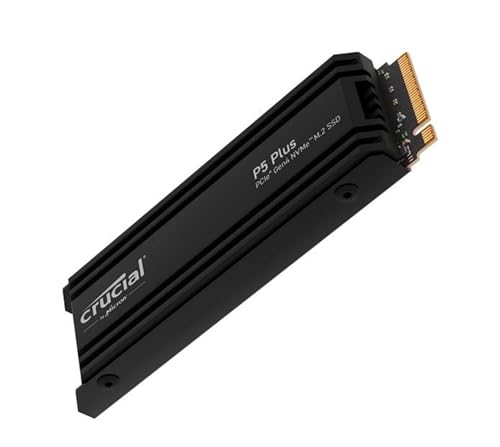
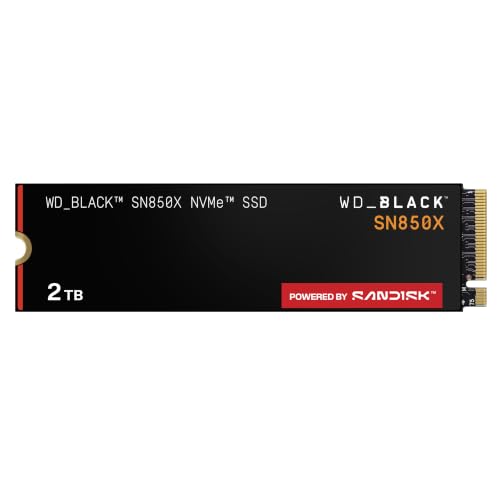
Black Friday bundles add a cable, a pouch, or a completely different internal stick photographed at an angle. The pouch is optional. The internal stick is not this category. If the title says NVMe M.2 and shows a bare circuit board, go back to an internal-drive search. If the title says T7, Extreme, or a portable part number and shows a shell, stay here.
When it arrives, check the part number, plug it into the port you actually own, and copy a folder you can afford to copy twice. Confirm the capacity looks like a 1 TB class volume. If the computer never sees the drive, try the other end of the cable and a different port before you call it dead. If it asks for a password you did not set, you may have a returned unit. That is a reason to use the return window.
Capacity labels are decimal. A 1 TB class portable will show closer to 930 GB or so after formatting, depending on the filesystem. If the computer reports a few dozen gigabytes, you bought the wrong capacity or you are looking at a partition left over from a demo. Delete only partitions on a drive you just unboxed. Do not “clean” a disk that might be your internal boot drive because the names looked similar in the tool.
The blue T7 is the plain aluminum 1 TB portable. The SDSSDE61 is the IP65 1 TB Extreme at the 1,050 MB/s class. The SDSSDE70 is the newer 1 TB Extreme at the higher read class, and only on a port that can feed it. Match the ending of the part number. The word Extreme alone is not a model.
If you are also buying an internal stick in the same Black Friday session, keep the orders apart. The internal part numbers on the other page are CT500P3PSSD8, CT1000P5PSSD5, and MZ-V9P2T0B/AM. None of them is a T7 or an Extreme. A cart that “upgrades” a portable to a bare M.2 has removed the cable and the shell you needed for a laptop that you cannot open. Read the thumbnail. A circuit board is internal. A rounded brick is portable. That one check prevents the most common mix-up on this keyword.